+60% Ecommerce Growth






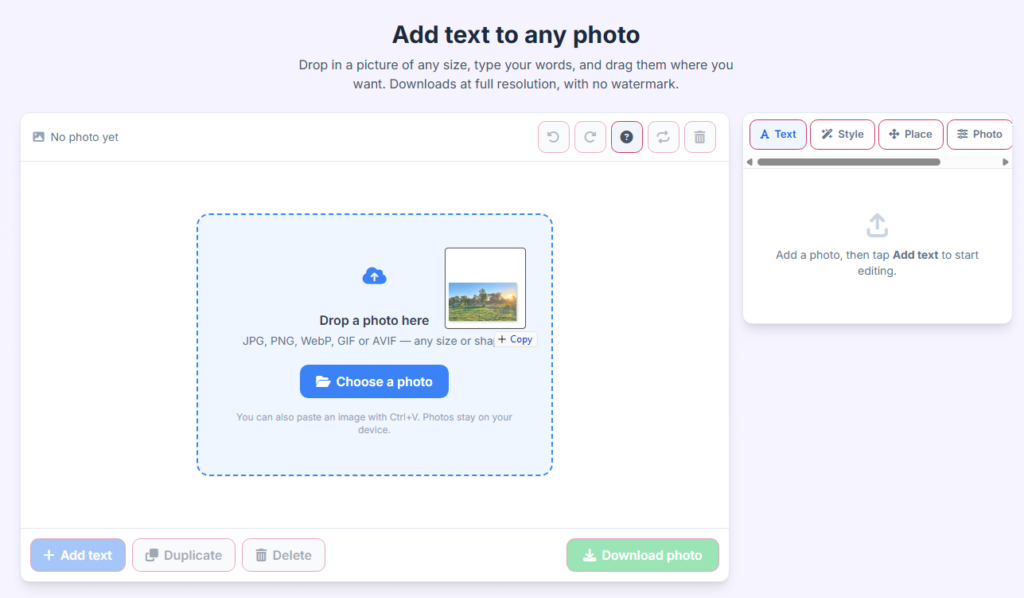
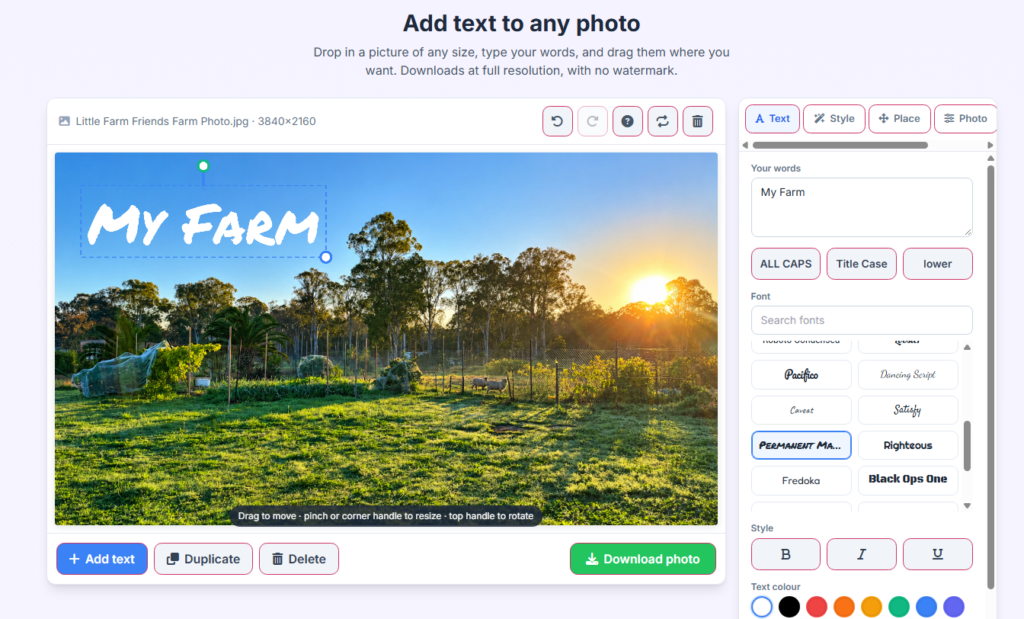
Add custom typography, captions, and quotes to any image in seconds with real-time preview rendering. No software installation required.

Personalize your pictures using a diverse library of fonts, adjustable text sizes, vibrant colors, alignment options, and custom background highlights.

Enjoy unlimited edits completely free of charge. Your uploaded images remain secure, private, and fast to process directly on your device.


Easily position, drag, and drop text anywhere on your photo with pixel-perfect accuracy and multi-layer alignment tools.

Enhance your captions with custom font weights, striking color palettes, drop shadows, and adjustable opacity settings.

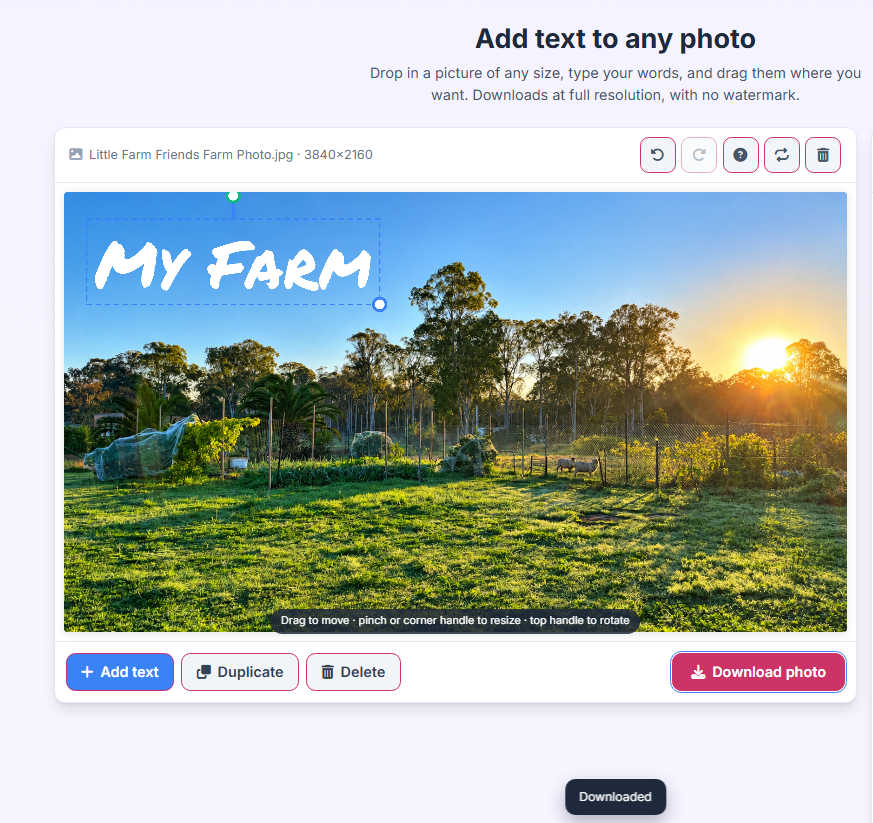
Save and download your edited images in crisp, high-definition quality instantly without watermarks or hidden fees.